
Shader
Shaders on the stage and on a sprite. A shader is a small program the graphics card runs for every pixel, so it can change how something is drawn: blur it, turn it into dots, light it up or make it wobble.
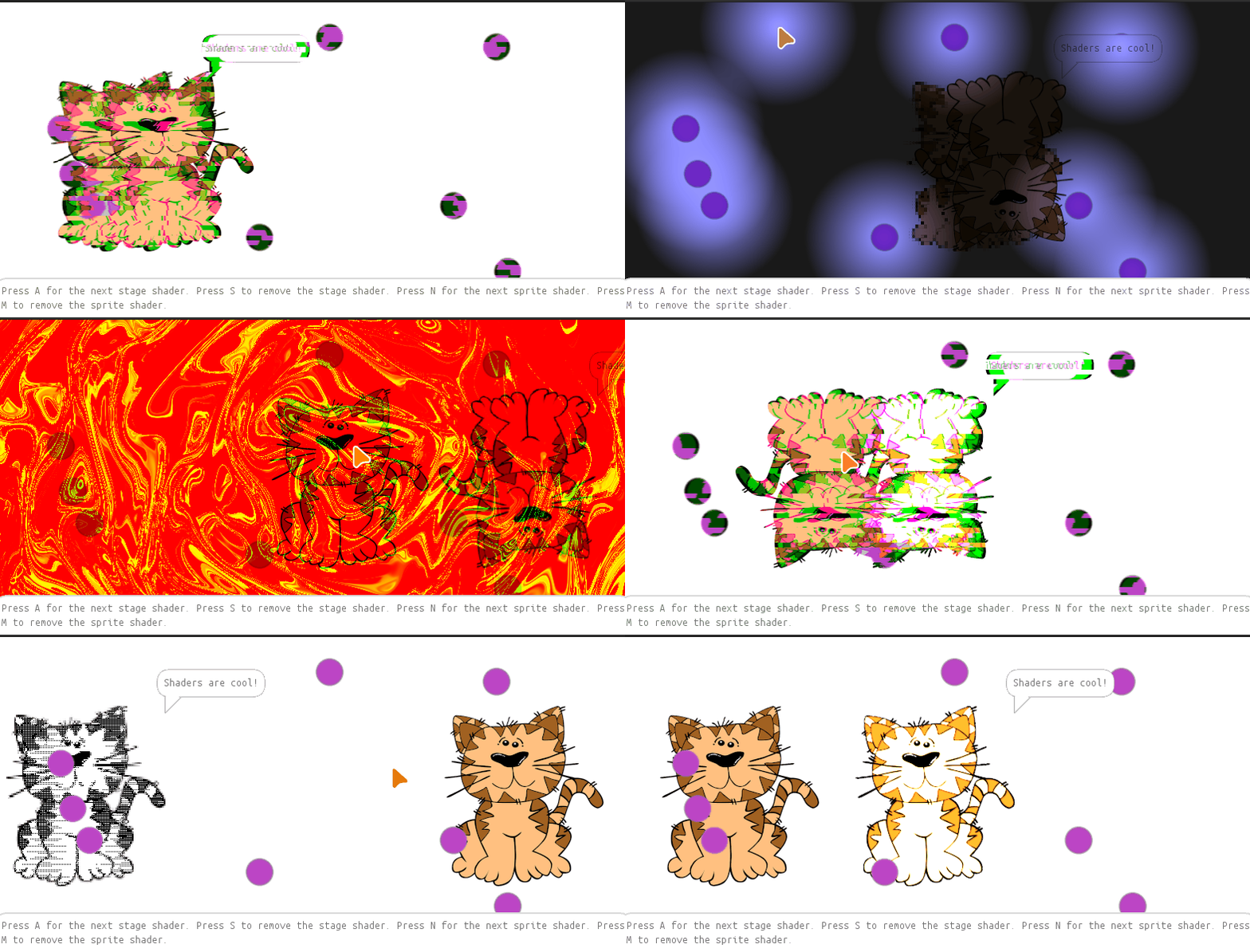
The stage has four shaders and the bouncing cat three, each in a .frag file
of its own. They are added with a name, and some get values to work with:
var shader = this.getShaders().add("pixelate", "pixelate.frag", "default.vert");
shader.set("pixels", 20.0, 10.0);
set changes a uniform of the shader, a value it reads but the program
decides. That is how the halftone shader follows the mouse, and how the light
shader knows where the lights are: the stage hands it their positions in every
run().
Run it here
Press A for the next stage shader and S to take the stage shader off. N and M do the same for the cat. Click into the stage first, so it gets the keys.